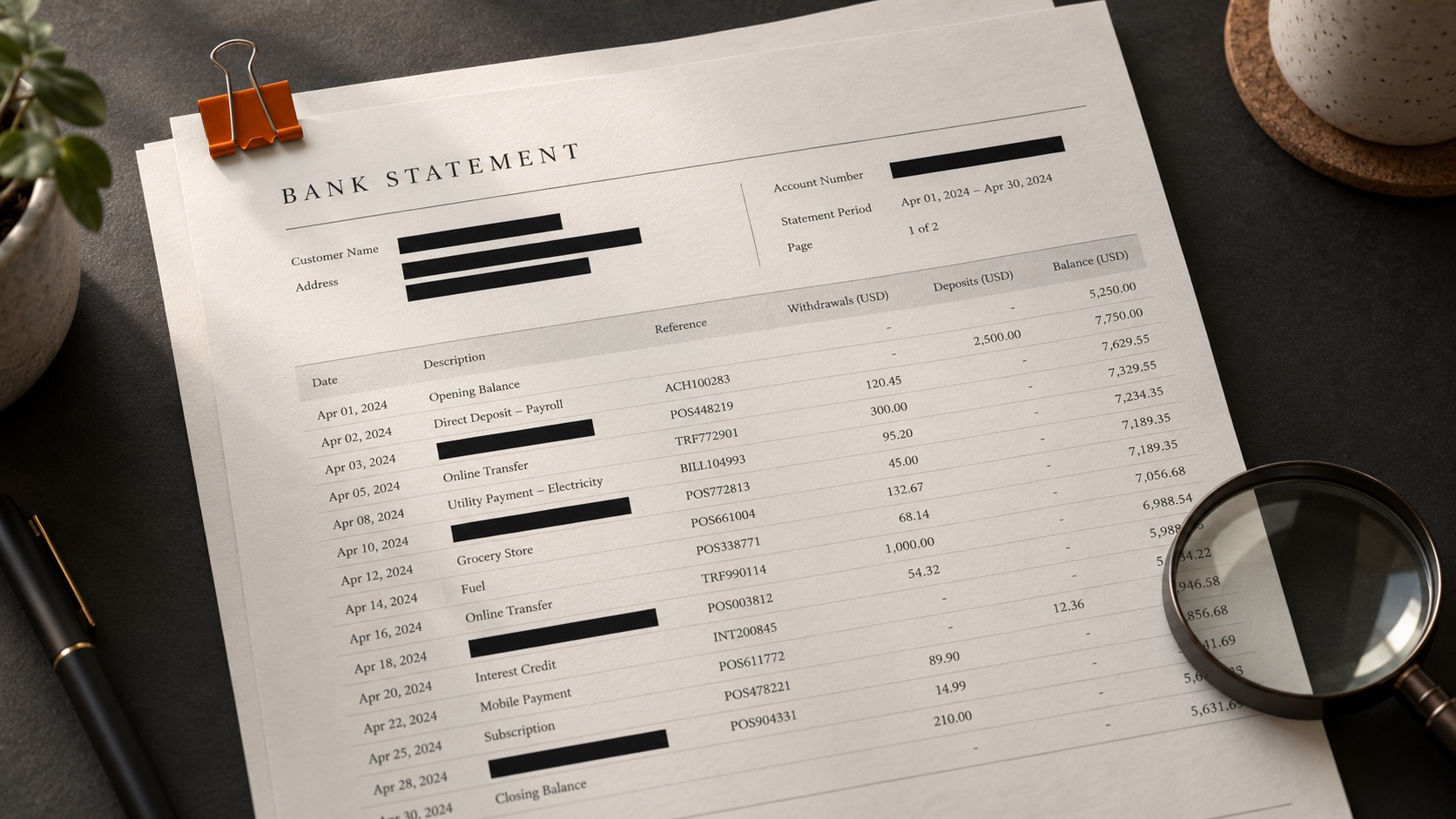
How to Redact a Bank Statement: What to Hide and How to Check It
Which fields to hide for a landlord, lender, court or converter, why a black box over a PDF hides nothing, and five checks to run on the saved copy. Based on a test with a fictional statement.
To redact a bank statement, you have to delete the characters from the file, on every page, and then test the saved copy. We built a fictional two-page statement and tried the common methods on it. A black rectangle drawn over the account number left every copy of that number readable to text-extraction software, and a proper redaction of the page header still left six copies elsewhere in the file. This guide covers what to keep for each kind of recipient, where the sensitive details hide, and how to confirm they're gone.
The short version
- Ask the recipient which fields they need, and check whether they accept redacted copies at all.
- Work on a duplicate. Keep the original file from your bank untouched.
- Use a real redaction tool, such as Adobe Acrobat Pro's Redact or the Redact tool in Preview on a Mac. A shape, highlighter or sticker tool won't do.
- Search for each number you removed and redact every hit, including footers, check images and later pages.
- Save under a new name, reopen the file, and run the checks near the end of this guide.
Decide what to keep before you hide anything
What you can remove depends on who reads the statement. Ask before you start, because a statement redacted past what the recipient accepts has to be done again from the original.
- Mortgage lender. For loans sold to Fannie Mae, the Selling Guide says bank statements must show the institution, your name as account holder, at least the last four digits of the account number, the period, all deposits and withdrawals, and the ending balance. Blacking out your spending lines can get the statement sent back. Some redaction guides suggest hiding "unrelated" purchases for a loan application, which conflicts with this rule.
- Court filing in a US federal case. Federal Rule of Civil Procedure 5.2 limits a financial-account number in a filing to its last four digits, unless the court orders otherwise. Other courts have their own rules, so check with the clerk or your lawyer.
- Landlord. Most want your name, the period, the income deposits and the ending balance. Policies vary, and some ask for the full statement.
- Visa application. Many consulates ask for original or bank-certified statements. Check the requirements for your visa type before you redact anything.
- Bookkeeper, accountant or conversion software. These need the transaction lines themselves: dates, descriptions, amounts, balances and the statement period. Your street address and full account number usually play no part.
Both the Fannie Mae rule and the federal court rule settle on the same compromise: the last four digits stay. Those four digits show which account the statement belongs to and are of little use to a fraudster on their own. When you're unsure, that's a safe default for the account number.
Where the account number shows up
Our test statement is invented: Example National Bank, an account holder named Jordan Sample, invented numbers throughout. We laid it out the way many US checking statements look, with a header, a transaction table, a footer and one check image. Then we ran it through two open-source PDF libraries, PyMuPDF and pypdf, which read the text layer the same way a PDF viewer's search box or a statement converter does.
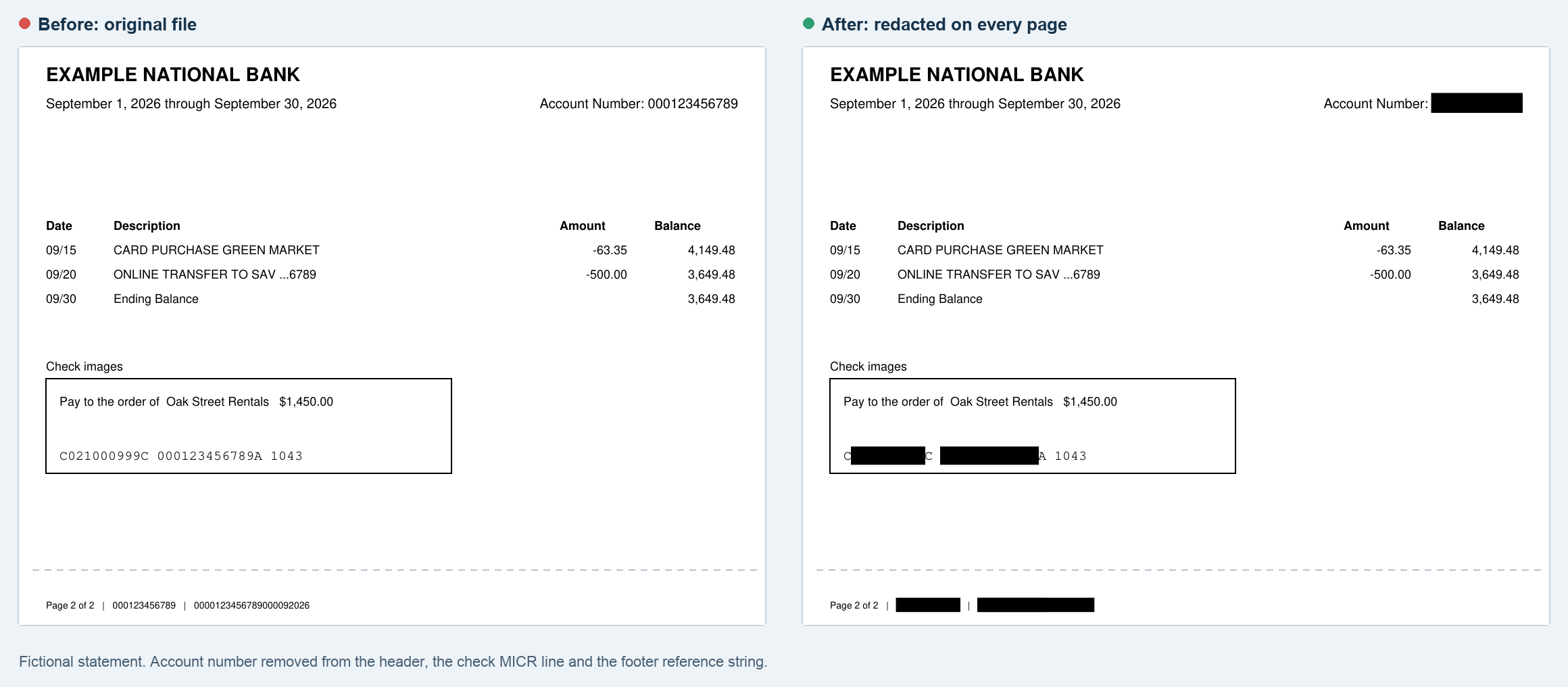
The full account number appeared seven times in two pages. It sat in the header of each page and in each footer, once inside a long reference string where it was hard to spot by eye, and once in the line of numbers printed along the bottom of the check. That line, the MICR line, also carries the bank's routing number. On a real statement, check images also show the payee and your signature.
We copied the description formats real statements use, and they carry personal details too. An ACH line read IND NAME:JORDAN SAMPLE with an individual ID beside it. A Zelle line showed another person's name and phone number. That second one is someone else's personal information, and it's worth hiding even when the recipient has every right to see yours.
When we redacted only the account number in the page-one header, the obvious place to start, six copies remained in the file.
Why a black box hides nothing
A PDF page has a text layer with the characters and a drawing layer on top. A rectangle drawn in a PDF editor goes on the drawing layer, and the characters underneath stay in the file. We tried two versions: a black rectangle added as an annotation, and a black rectangle written directly into the page. On screen, both look like a redaction. Both left all seven copies of the account number extractable, along with the routing number, the name and the address.
In January 2019, a court filing by Paul Manafort's lawyers had blacked-out passages that reporters revealed by copying and pasting the text. A highlighter set to black fails the same way, and so does a white-out tool that types new text on top.
Screenshotting a page and cropping it does remove the hidden text, because a screenshot is only pixels. You end up sending a low-resolution image instead of a PDF, and with a long statement it's easy to miss a page.
The running balance can reveal a hidden amount
Suppose you want to hide one payment, say $160.00 to a therapist. We redacted that amount properly and left the rest of the row alone. The balance before it was $5,822.83 and the balance after it was $5,662.83. Subtract one from the other and the hidden amount is back.
Hiding the balance on that row doesn't close the gap either. The next row's balance minus the next row's amount gives it back, and the monthly summary totals let anyone recover a single missing figure. On a statement with a running balance, you can't hide one amount and leave the rest intact. You can hide the merchant name and leave the amount, or ask whether the recipient would accept something else, such as a balance letter or proof-of-funds letter, which many banks issue on request.
How to redact with common tools
Adobe Acrobat Pro (paid; the free Acrobat Reader can't redact). Adobe's current steps are: choose All tools > Redact a PDF, then Redact text and images, drag over what you want removed, and select Apply. A dialog then offers to sanitize the document and remove hidden information. Turn that on. Acrobat also has a search-and-redact option, which is the easiest way to catch every copy of an account number.
Preview on a Mac (free). Open a duplicate, choose Tools > Redact, and drag across the text. The redaction becomes permanent once you save and close the document, which is why you should never do this on your only copy.
LibreOffice Draw (free, on Windows, Mac and Linux). Choose Tools > Redact, mark areas with the redaction shapes, then use Redacted Export (Black). The export saves the pages as images, which removes every hidden character, but it also matters if your next step is a converter, as explained below.
Paper. If you only have a printed statement, cover the fields with correction tape or thick marker, then photocopy the covered page and scan the photocopy rather than the original. Marker on the original can show through under a scanner's light.
Five checks on the saved copy
Close the file, reopen the redacted copy, and work through these. Our test file failed the fourth check even after every page was correctly redacted.
- Search. Use Find for the full account number, then for its first five or six digits. You kept the last four, so searching for those will always find something. Repeat for the routing number and any name you removed.
- Copy everything. Select all text on each page, paste it into a plain text editor, and read it. Text hidden under shapes or outside the visible page turns up here.
- Count pages. Compare the page count against "Page X of Y" in the footer. Check-image pages and the last page are the ones people skip.
- Read the properties. Open File > Properties (Document Properties in Acrobat) and look at the title, author and subject. A PDF's title can hold anything the generating software put there. We gave our test file a title containing the account number. Page-level redaction removed every visible copy and left the title as it was until we cleared the metadata separately. Acrobat's sanitize option handles this.
- Open it somewhere else. View the file in a web browser or a second PDF app. Different readers draw annotations differently, and a box that shows in one app can vanish in another.
If the redacted copy is going into a converter
A statement converter reads the same text layer you just cleaned, so redaction done right and conversion work together. Keep the statement period, the opening and closing balances, and every amount. The period tells the converter which year a date like 09/08 belongs to. The balances let it check that the rows add up.
Our bank statement converter adds up every transaction and compares the total with the opening and closing balances. If you black out an amount, that check can't reconcile, and the result is marked for review. A redacted description comes through as a blank or shortened cell, which is fine for totals and a problem if you plan to sort spending by merchant.
Image-only files are the other trade-off. After we exported our redacted test file as page images, the PDF libraries found zero characters of text. Nothing private was left to extract, and nothing else was either. Our converter accepts scanned PDFs and PNG or JPG images, but it has to read the page with optical character recognition first. That extra reading step is where digits get misread, so check the totals against the statement summary afterwards. If you have a choice, a redaction tool that keeps the text layer, such as Acrobat or Preview, gives cleaner extraction than one that flattens the pages.
For a walkthrough of a real statement layout and the totals to check after conversion, see our guide to the Chase bank statement PDF.
What redaction can't fix
Redaction removes information. It never replaces it. Changing a figure, a date or a name on a statement you hand to someone else turns it into an altered document, and a lender or court will treat it that way. Keep the original unredacted file from your bank, because a recipient may ask for it later, and a redacted copy can't be turned back into one.
FAQ
Is it legal to redact a bank statement? Removing details from your own statement before sharing it is generally lawful. The recipient decides whether to accept the copy, and some, including many mortgage lenders and consulates, require complete statements. This is general information, not legal advice.
Can someone undo a redaction? Not if a real redaction tool deleted the text and you checked the saved file. A shape or highlighter drawn over the text can be undone by copying, searching or deleting the shape.
Should I hide my name? Usually not. Most recipients use your name to confirm the statement is yours, and a statement with the holder's name removed is likely to be rejected.
Tested on October 27, 2026 with a fictional statement. Every name, number and bank in this article is invented. Acrobat, Preview and LibreOffice steps come from vendor documentation and weren't re-run for this test. Bank File Tool is not affiliated with Adobe, Apple, LibreOffice or Fannie Mae.
Author

More Posts
Chase Bank Statement PDF: Where to Find It, How to Read It, and How to Get It Into Excel
Where to download a Chase statement PDF on chase.com or in the app, what each part of the statement means, why the file is locked, and how to check the numbers once they are in Excel.
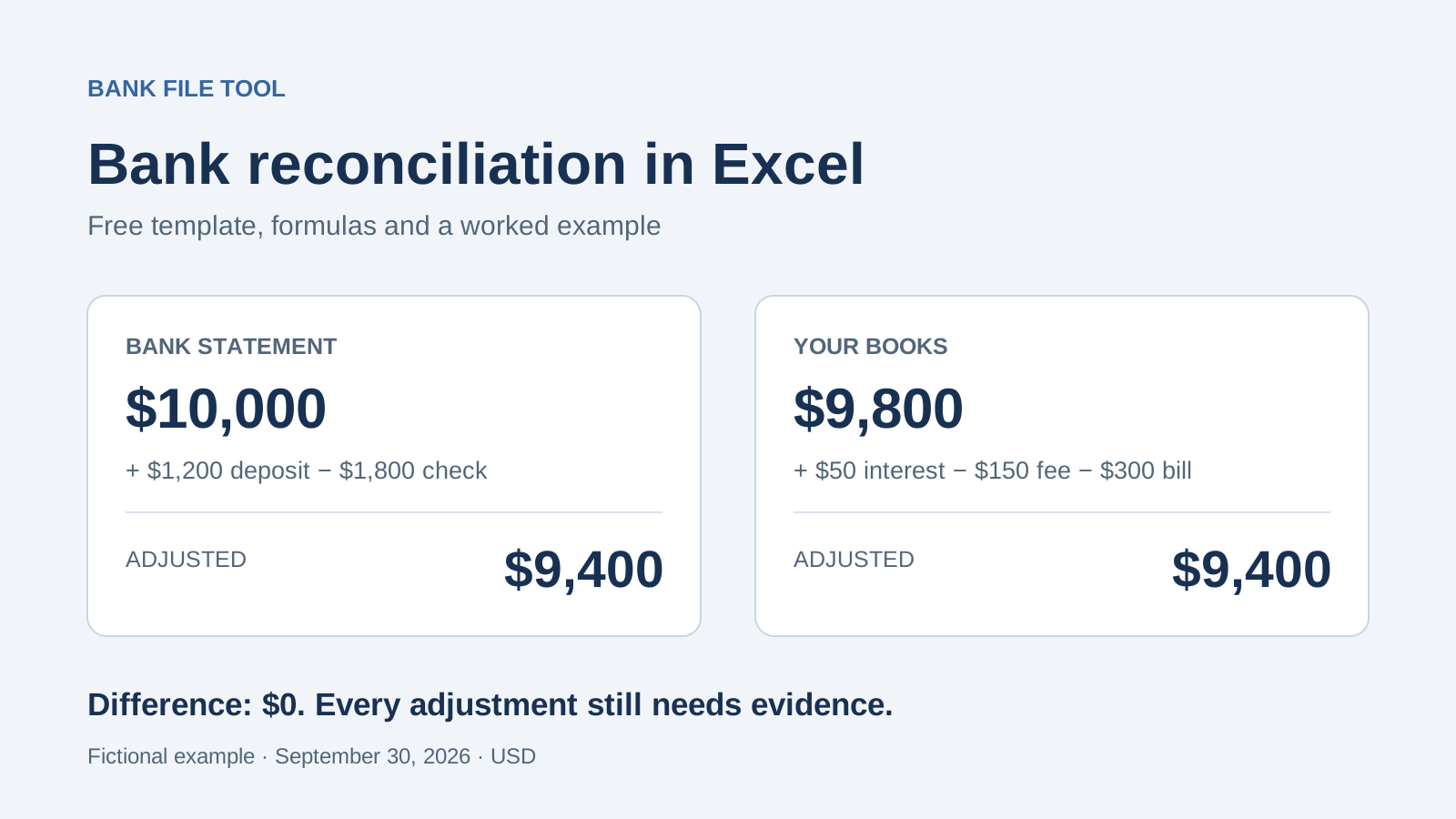
Bank Reconciliation Statement Format in Excel: Free Template
Download a bank reconciliation statement format in Excel with formulas and a worked example. Convert PDF statements, compare transactions, and explain differences.