Chase Bank Statement PDF: Where to Find It, How to Read It, and How to Get It Into Excel
Where to download a Chase statement PDF on chase.com or in the app, what each part of the statement means, why the file is locked, and how to check the numbers once they are in Excel.
Chase online banking has three buttons that look like they'll give you your statement, and only one of them does. The file you want is the Chase bank statement PDF, the monthly record for one account, and it sits in a menu most people never open. This guide shows where to find it, how to read it, and how to get the transactions into Excel without losing a row.
Already have the PDF? Convert it on our home page.
Three ways out of Chase online banking, and only one is a statement
- The statement PDF. The official monthly statement, with the period, page numbers, and opening and closing balances. Chase says up to 7 years are available online, depending on the account type.
- The account activity download. Recent transactions as a spreadsheet. Good for budgeting, but there's no statement period and no balances.
- A printout of the activity page. A copy of the screen. It isn't a statement.
Lenders, landlords, and tax preparers want the statement PDF. For last month's spending in a spreadsheet, the activity download is faster.
Where to find the PDF
On chase.com:
- Open the main menu in the top left and choose Statements & documents.
- Pick the account and the year.
- Click the download icon next to the statement.
In the Chase Mobile app:
- Tap Profile & Settings in the top right.
- Under Document manager, tap Statements & documents, then Statements.
- Choose the account, year, and statement, then save it with your phone's share option.
Each statement covers one account, and this month's won't appear until the period closes. Older statements, or ones from before you enrolled in online banking, have to be requested from Chase. Chase in the UK is a separate bank with its own app and its own statement options.
What the numbers mean
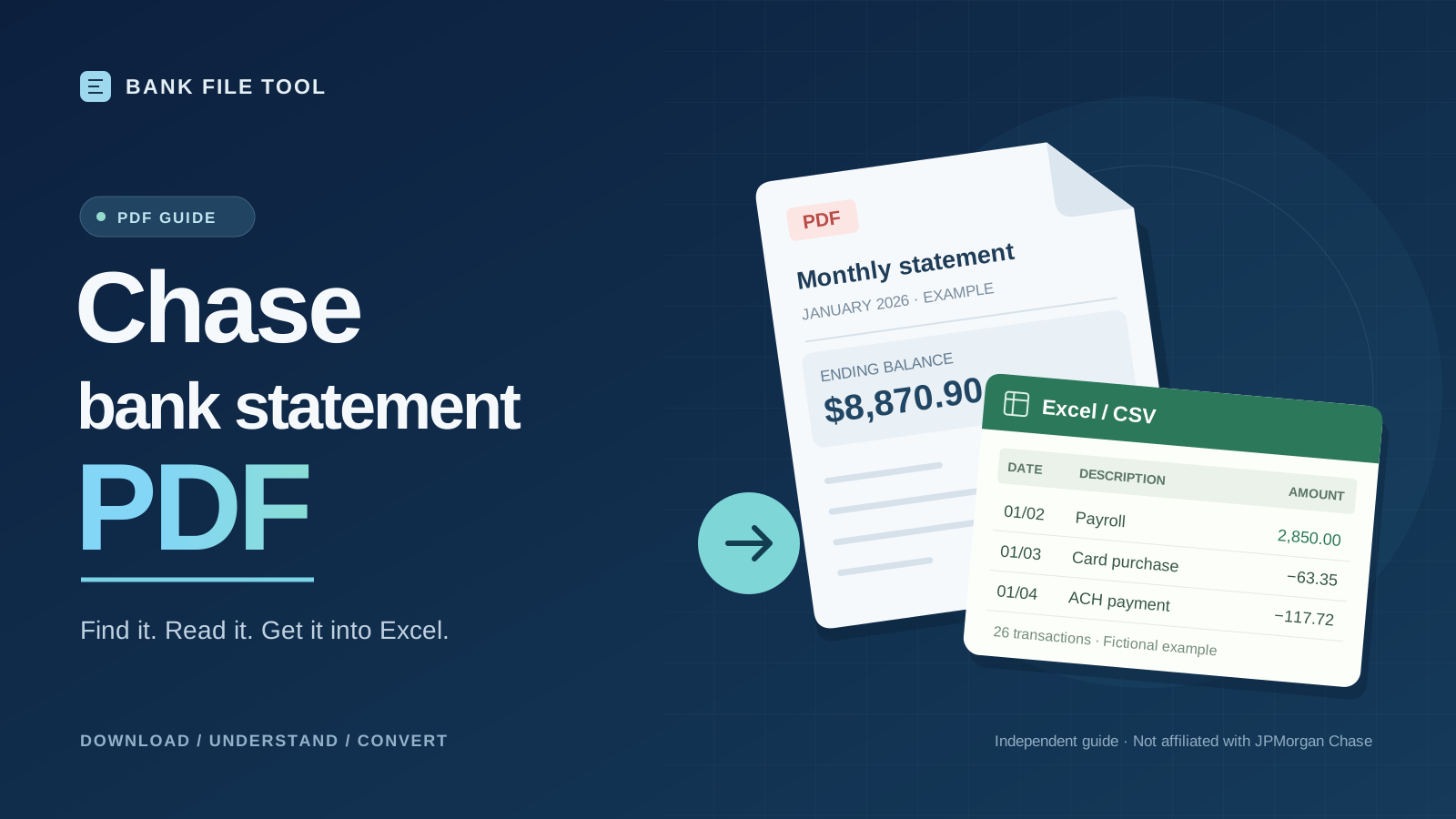
Here is a fictional personal checking statement in Chase's layout. The header reads January 01, 2026 through January 31, 2026 · Page 1 of 2, and the summary shows a beginning balance of $4,388.98, $6,330.88 in, $1,848.96 out, and an ending balance of $8,870.90.
| Date | Description | Amount | Balance |
|---|---|---|---|
| 01/02 | Payroll Deposit ACME DESIGN LLC | $2,850.00 | $7,238.98 |
| 01/03 | Card Purchase GREEN MARKET | -$63.35 | $7,175.63 |
| 01/04 | ACH Payment METRO ELECTRIC | -$117.72 | $7,057.91 |
| … | 22 more rows | ||
| 01/30 | Card Purchase FAMILY DINER | -$55.22 | $8,870.90 |
- Dates have no year. Take it from the header. A December to January statement spans two years.
- Money out is negative. There are no separate debit and credit columns.
- The summary is your answer key. Your spreadsheet should reproduce all four numbers.
- "Page 1 of 2" tells you the file is complete. Lenders usually want every page.
Business checking statements often group transactions by type and end with a Daily Ending Balance table. Those balances aren't transactions, so leave them out of your totals.
The honest catch: you can read it, but you can't edit it
Chase statements usually open fine but can't be merged, edited, or redacted, and there's no password Chase hands out to change that. A lender only needs the original file anyway. To combine months for your own records, print each statement to a new PDF in your browser and merge the copies.
Never alter a statement you give to someone else. It's treated as a forged document.
Getting the transactions into Excel
The lock doesn't block conversion. Upload the PDF as it is, or a PNG or JPG if you only have a scan.
Our converter keeps each table as printed, with the same headers and order, in one CSV or Excel file. Before you trust it, check it against the summary:
| Check | Statement | Spreadsheet |
|---|---|---|
| Rows | 26 transactions | 26 rows |
| Money in | $6,330.88 | Sum of positive amounts |
| Money out | $1,848.96 | Sum of negative amounts |
| Last balance | $8,870.90 | Balance on the last row |
A mismatch usually means a missing page, a description that wrapped onto two lines, or daily balances counted as transactions.
Values come out as text, exactly as printed. Convert two columns before you sort or sum:
- Dates:
=DATE(2026, LEFT(A2,2), MID(A2,4,2)) - Amounts:
=VALUE(SUBSTITUTE(SUBSTITUTE(C2,"$",""),",",""))
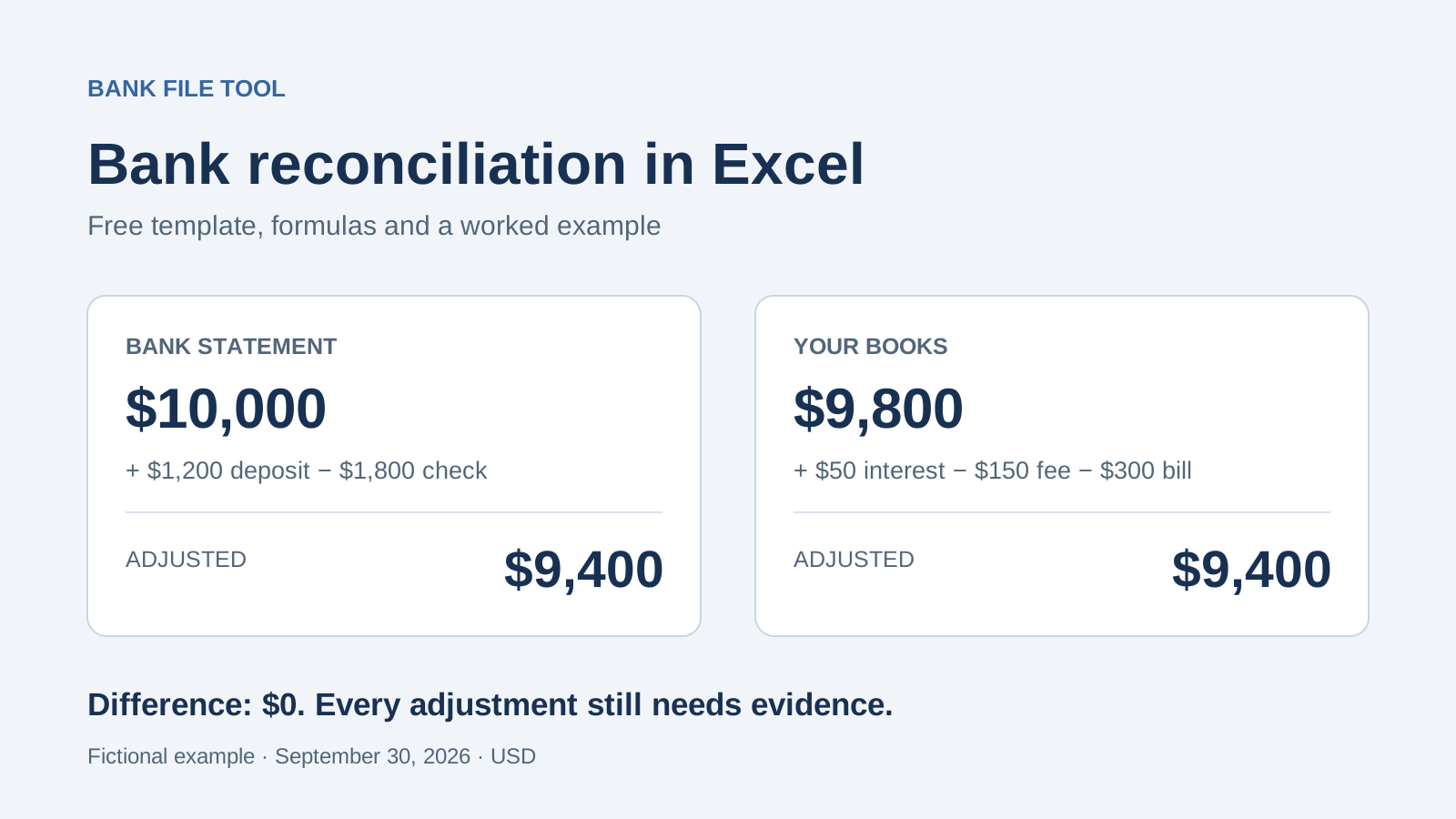
To match the result against your books, use our bank reconciliation template in Excel.
Before you send a statement
- Right account? Check the last four digits.
- Right period? Read the header, not the file name.
- All pages? Count them against "Page X of Y".
- Untouched? Send the file Chase gave you.
Most problems come from grabbing the wrong file, not from the statement itself.
Steps checked against Chase's help pages on October 16, 2026. The example statement is fictional. Bank File Tool is not affiliated with JPMorgan Chase & Co.